I have a decent multi monitor setup at both work and home. However, with my recent travel to visit tech colleges around cities like butwal and pokhara where I met with colleges, companies and tech offices. I realized I needed an extra monitor to work efficiently and a bit more productive setup. Also because my eyes are getting old.
First we'll need to create a headless virtual output.
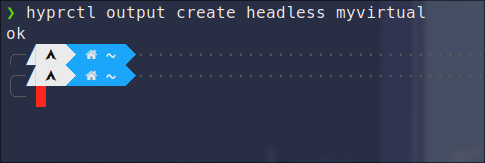
hyprctl output create headless myvirtual
This will create a headless virtual output called myvirtual, we'll use this output later. 2025-03-22-093613_hyprshot.png
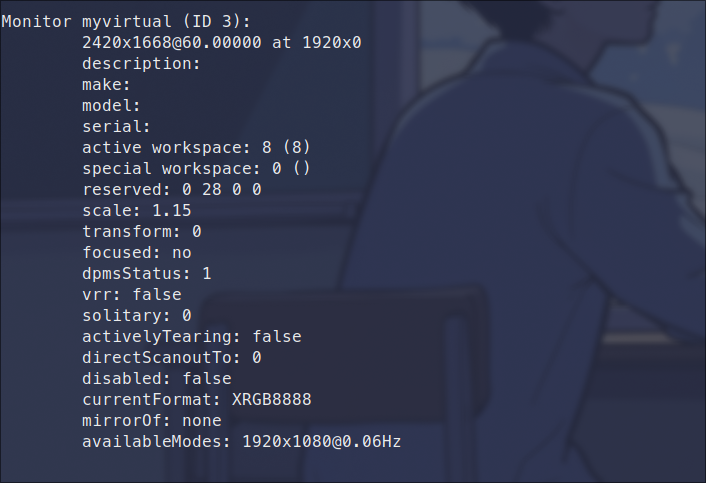
You can confirm that the headless virtual output was created using
hyprctl monitors
2025-03-22-093822_hyprshot.png Update your hyprland config `nvim ~/.config/hypr/hyprland.conf` and add the following to adjust your resolution and position
monitor=myvirtual,2420x1668@60,1900x0,1
2025-03-22-093908_hyprshot.png Now we want to run a VNC server that exports this headless output monitor. Start by installing a vnc server.
sudo pacman -S wayvnc
Start the wayvnc server
wayvnc -o myvirtua 0.0.0.0:59000
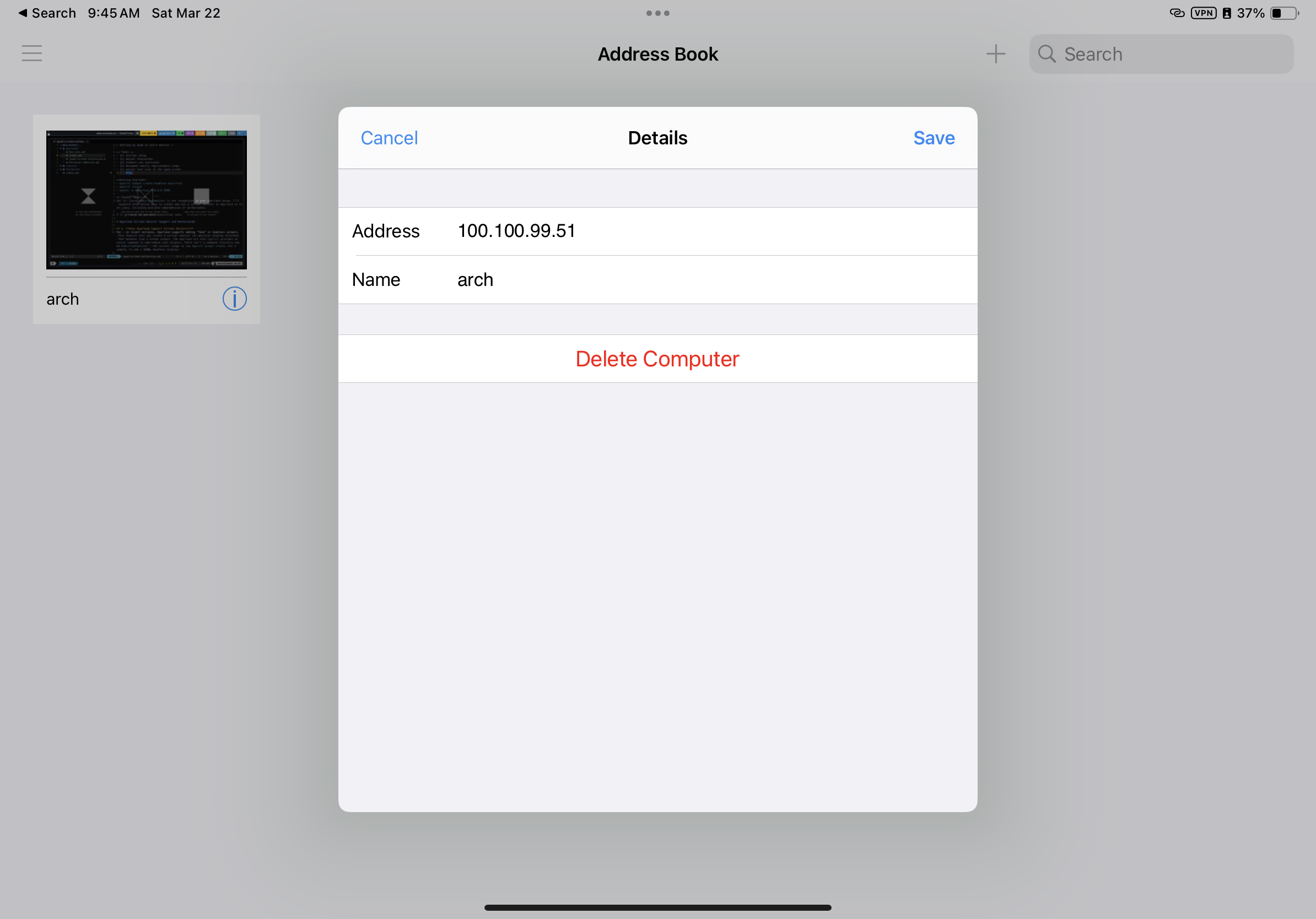
From the ipad, Install any VNC client. I am choosing to go with Real VNC IMG_0338.PNG and connect to your linux ip IMG_0339.PNG Then you should have your Ipad connected as an external monitor . IMG_0340.PNG